Your setlist in.Your Ableton Live set out.
Type your songs or import the plan from Planning Center. Plan2Live finds each song's stems, names the sections from the spoken cues on your Guide track, and builds the set. Open it in Live and play.
Builds Ableton Live sets in Arrangement View. Mac only.
Try 2 full builds free, no card, no time limit. See the plans
Apple Silicon or Intel Mac · macOS 14.6 or later · Ableton Live Standard or Suite
Walkthrough
Watch the workflow
From setlist to Ableton-ready session.
Who it's for
Anyone who runs Ableton Live on stage.
If you play to stems, tracks or a click, Plan2Live builds the set you play from.
How it works
Three steps from setlist to set.
No plugins and no scripting. These are the app's own screens.
- 1
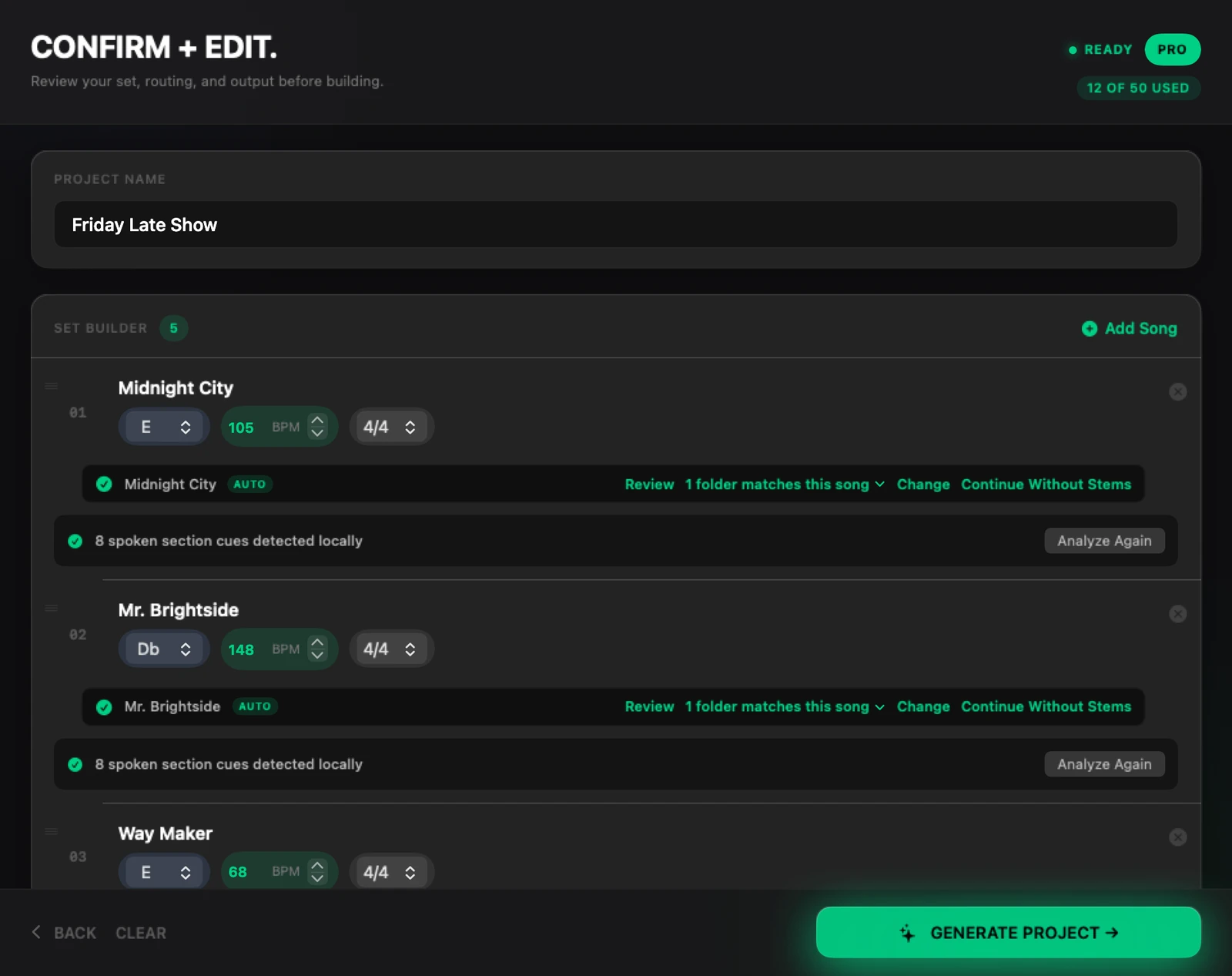
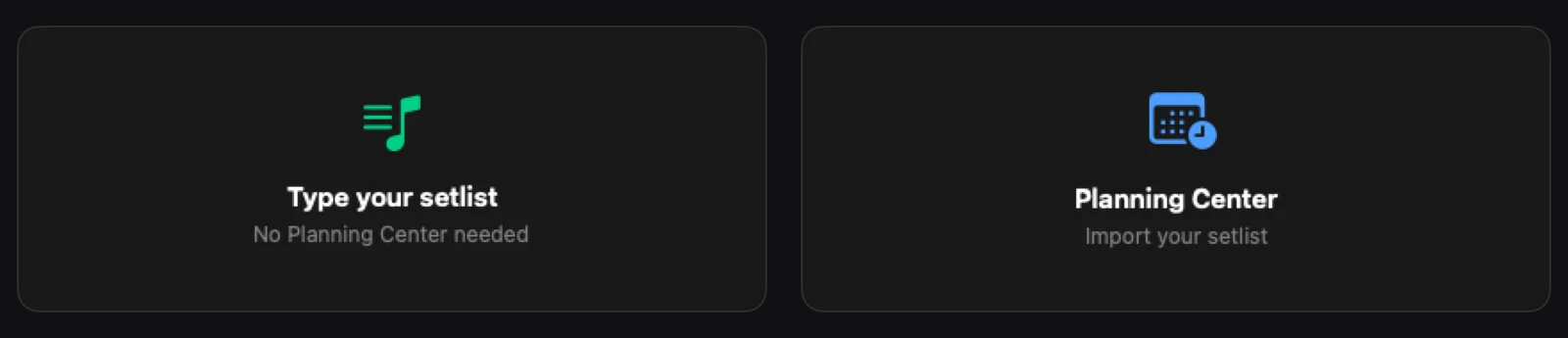
Bring in the setlist
Type each song with its key, tempo and time signature, or import a plan from Planning Center. Planning Center is optional.
- 2
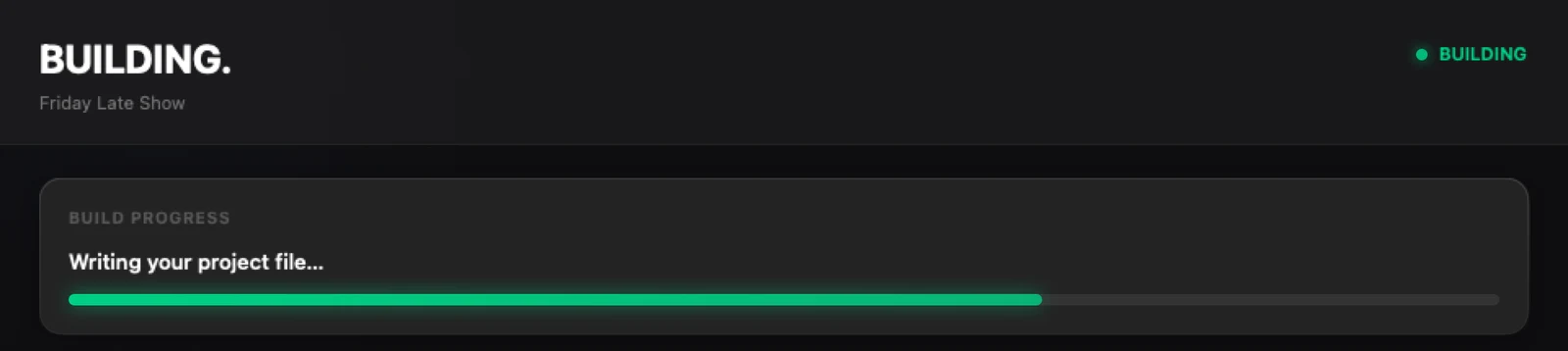
Press Generate
Plan2Live finds each song's stems folder, puts every stem on its track and writes the Ableton Live set, song after song.
- 3
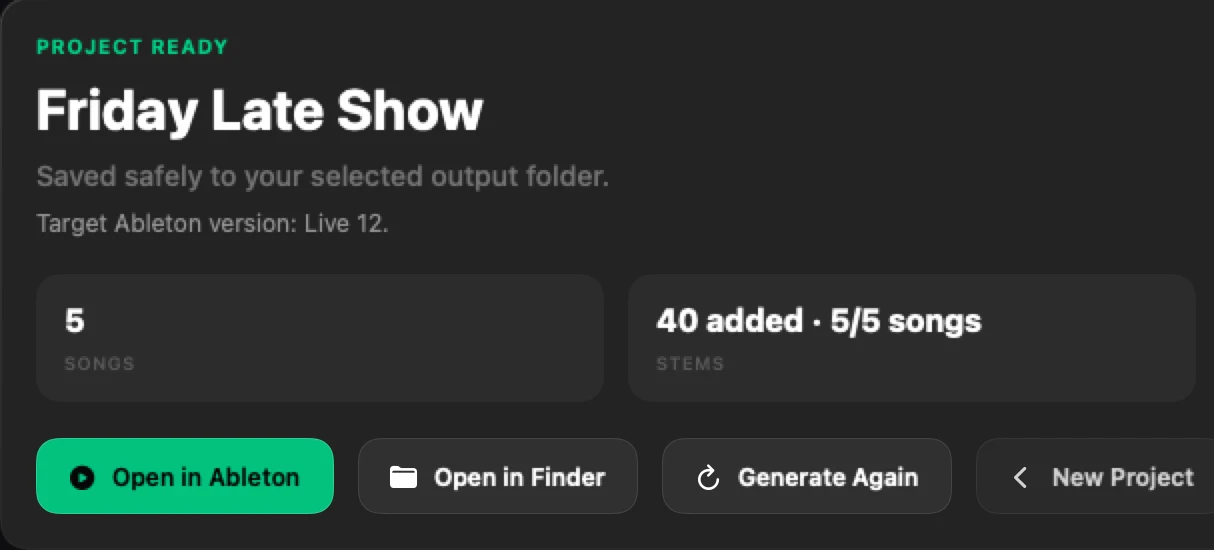
Open it in Live and play
Open in Ableton opens the finished set. Give it a listen before rehearsal, and build again whenever the setlist changes.
What lands in Ableton
A set you can open, not a blank file.
Plan2Live listens to your Guide track on your Mac and reads each song's folder, then writes the Ableton Live set your band or team starts from.
Songs in order
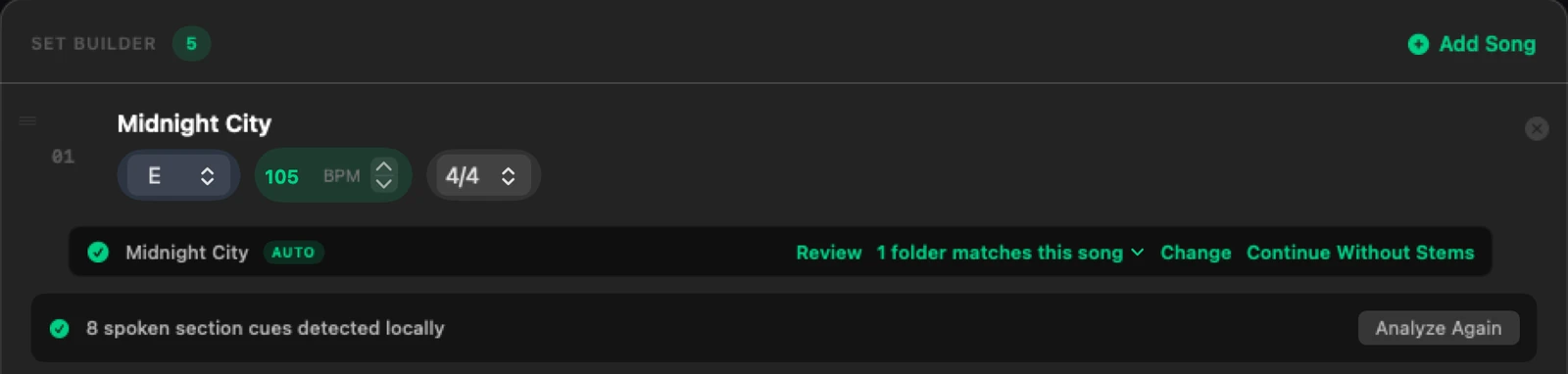
Every song in your set order, in Arrangement View, each with its own key, tempo and time signature (4/4, 3/4 or 6/8).
Stems matched
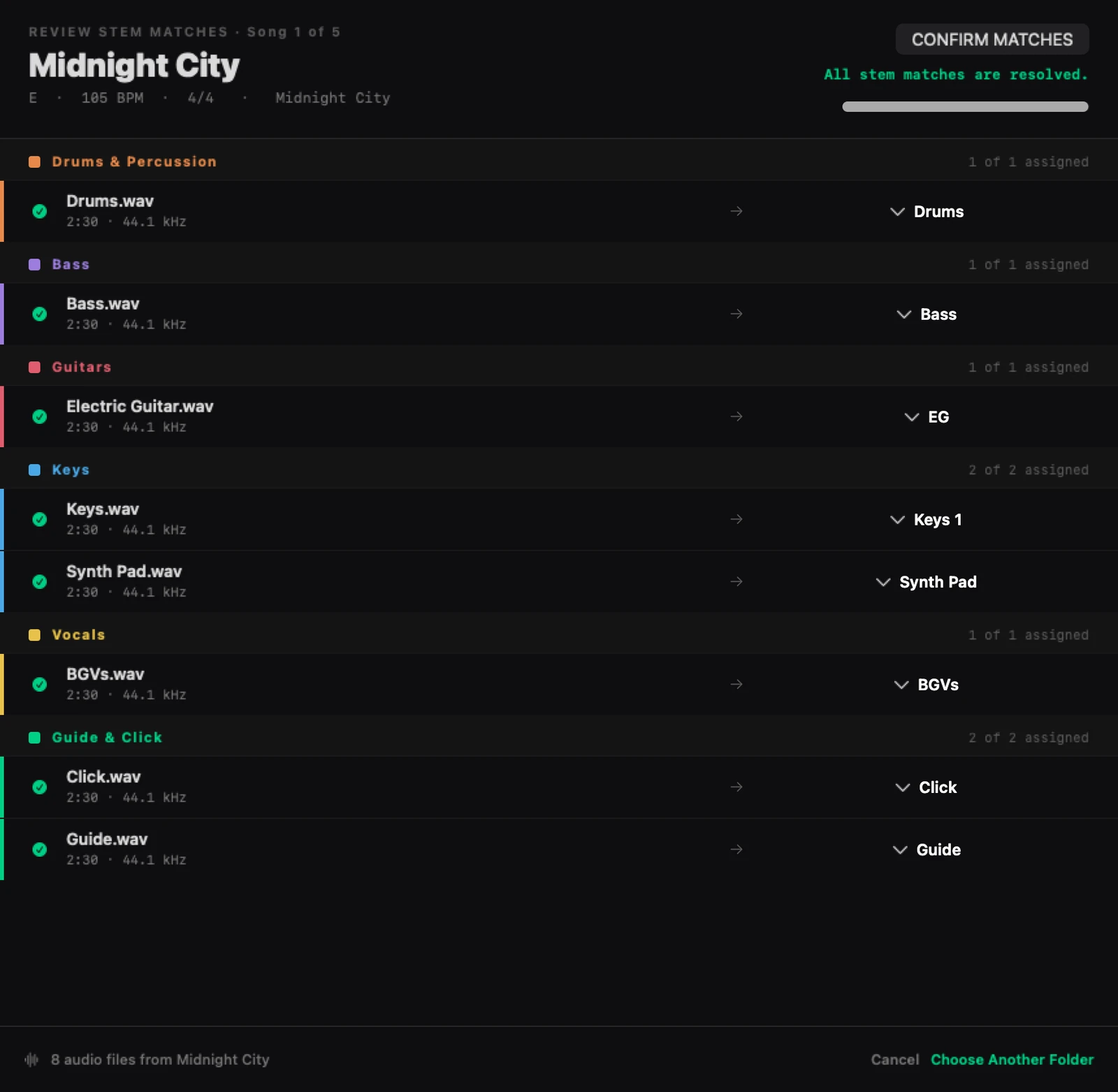
Each song's stems land on the set's tracks. If the app isn't sure which folder belongs to a song, it asks you.
Markers in place
Section names come from the spoken cues on your Guide track (English, Spanish or Portuguese; tested on Apple Silicon Macs) or from Planning Center. Without either, the markers are numbered or placeholders you can rename in Live.
Click and Guide
Your click and guide stems go on the set's Click and Guide tracks. The built-in template doesn't make a click, so bring a click stem.
Custom Templates
Your rig. Your template.
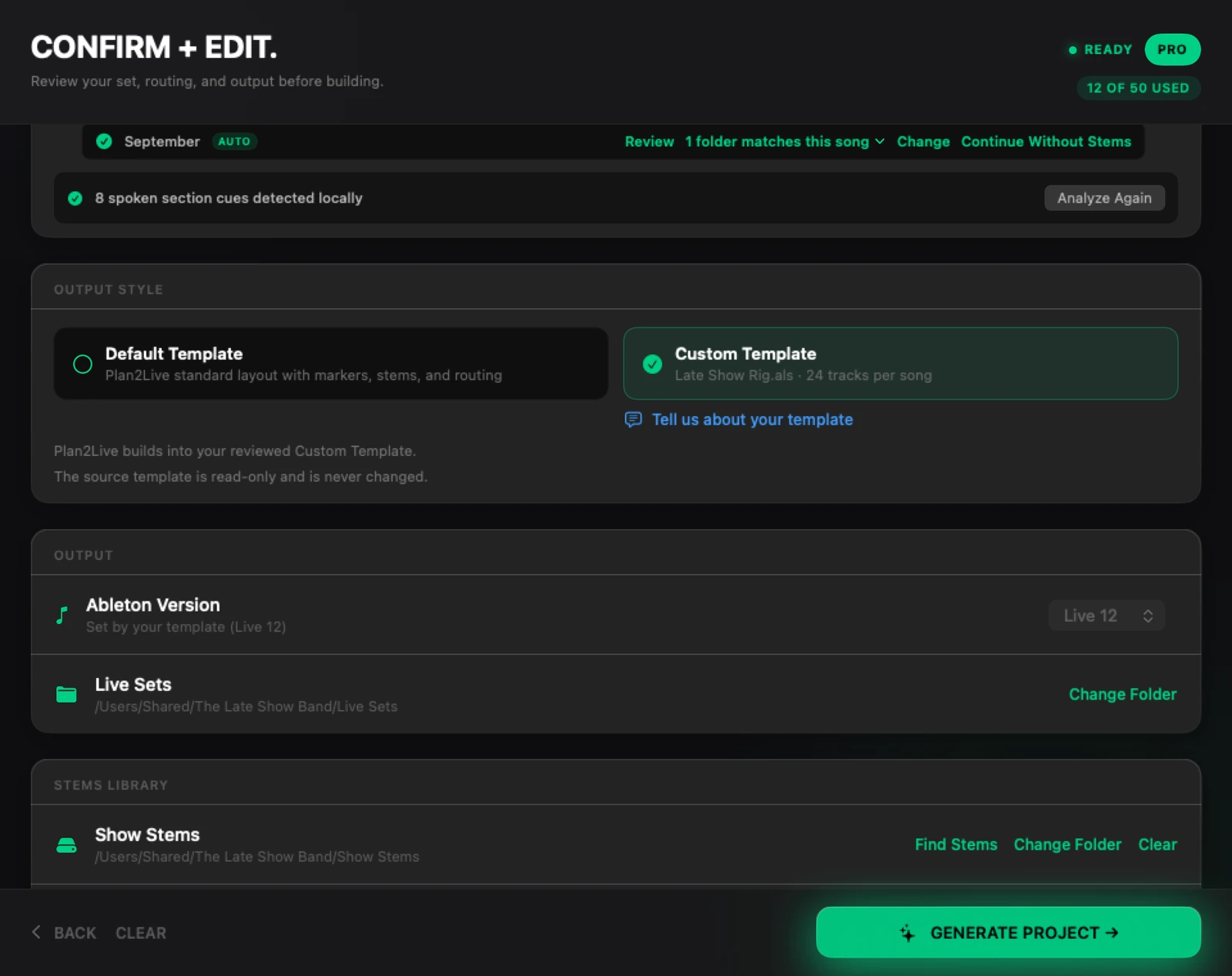
Already run your own Ableton Live 12 template, with your routing, returns and tracks? Pick it, review it, and Plan2Live builds the set into it, in Arrangement View. Your template file itself is never changed.
- Custom Templates are in beta and open on every plan.
- Tested on a limited set of rigs so far, so try it with your rig well before a show.
Plans
Start free. Pay when you need more builds.
A build is one Ableton Live set made from your setlist. Most sets build in under a minute on an Apple Silicon Mac; very large stem folders take longer.
Free
$0
2 full builds per account, no card, no time limit. They don't reset.
- Every feature Plus has
- Planning Center import: the whole plan in one go, or type your setlist
- Open in Ableton: the finished set opens in Live in one click
Plus
$69 a year
or $7 a month
20 builds a month
- Guide analysis: section markers named from your Guide's spoken cues
- Tempo automation: each song's tempo and time signature written into the set
- Transpose stems: stems moved to the song's key when a folder is in another key
Pro
$129 a year
or $16 a month
50 builds a month, plus Project History
- Everything in Plus
- Project History: every set you've built, ready to reopen in Ableton or Finder
New prices for new subscribers start Nov 14. Subscribe before then and keep today's price for as long as you stay subscribed.
Build your next set.
Try 2 full builds free, no card, no time limit.
Apple Silicon or Intel Mac · macOS 14.6 or later